
This tutorial explains how to track and resend gift emails using Prezzee Business.
Go to prezzee.com.au
01 Introduction
You will learn to update recipient details and confirm successful delivery.
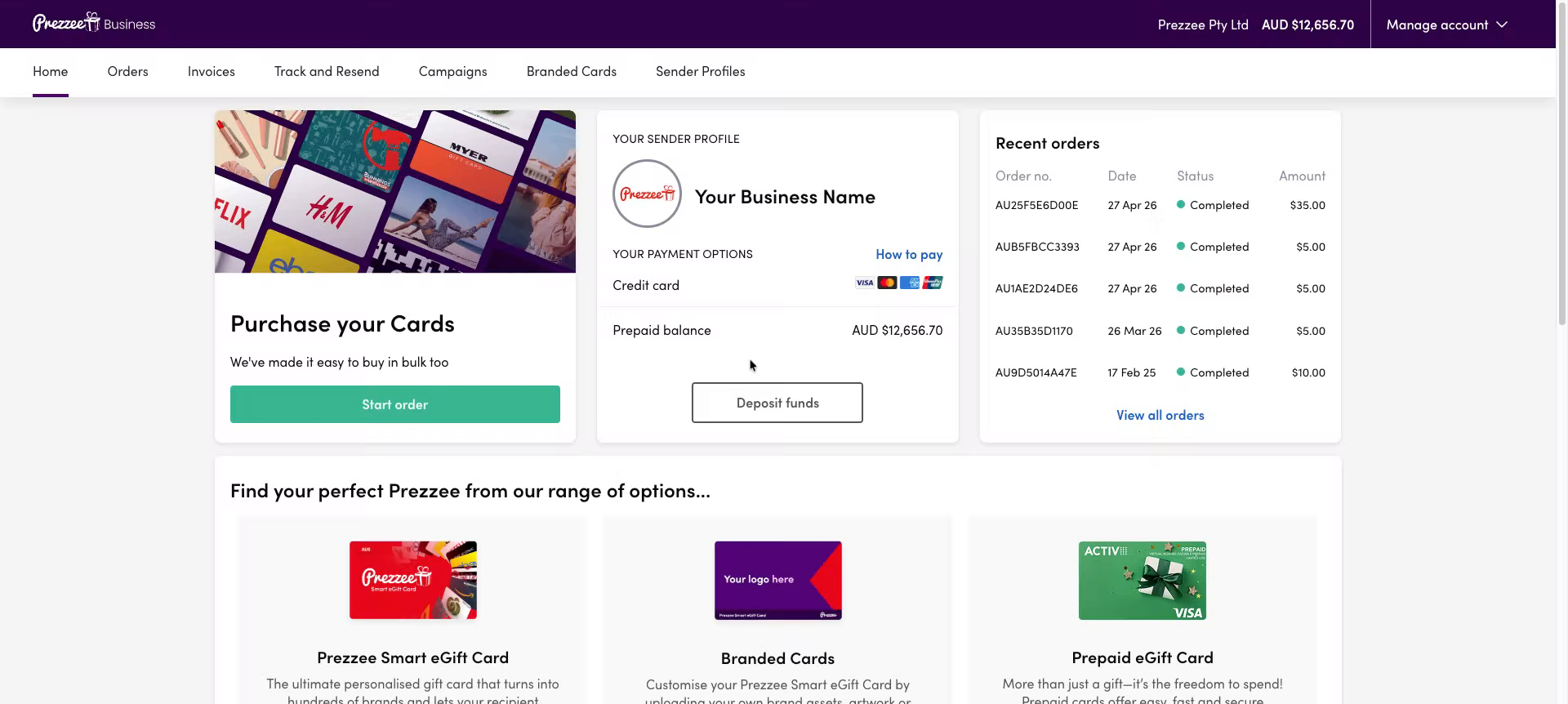
02 Access Track And Resend Section
Click "Track and Resend" to open the tracking interface for your sent gifts.
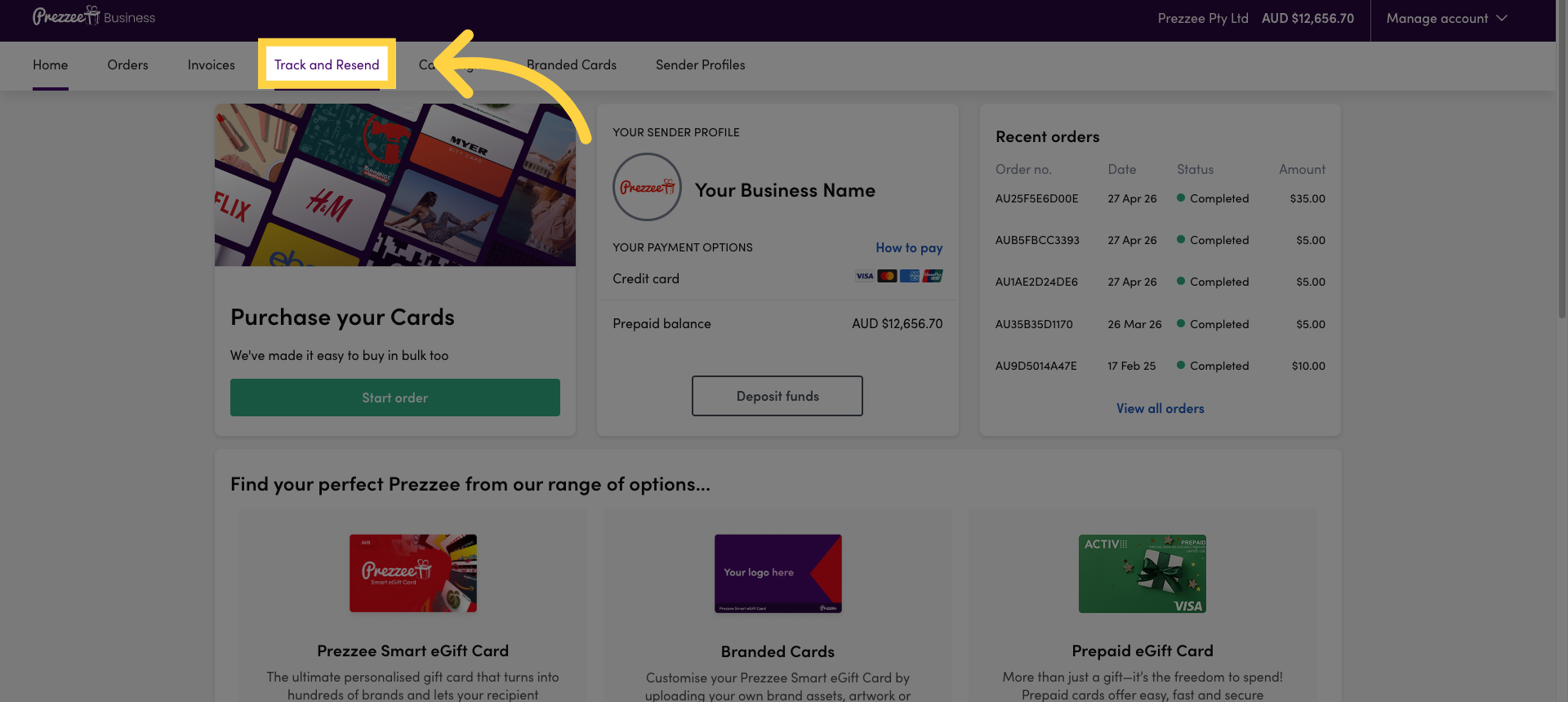
03 Open Resend Options
Click here to view the available options for resending gift emails.
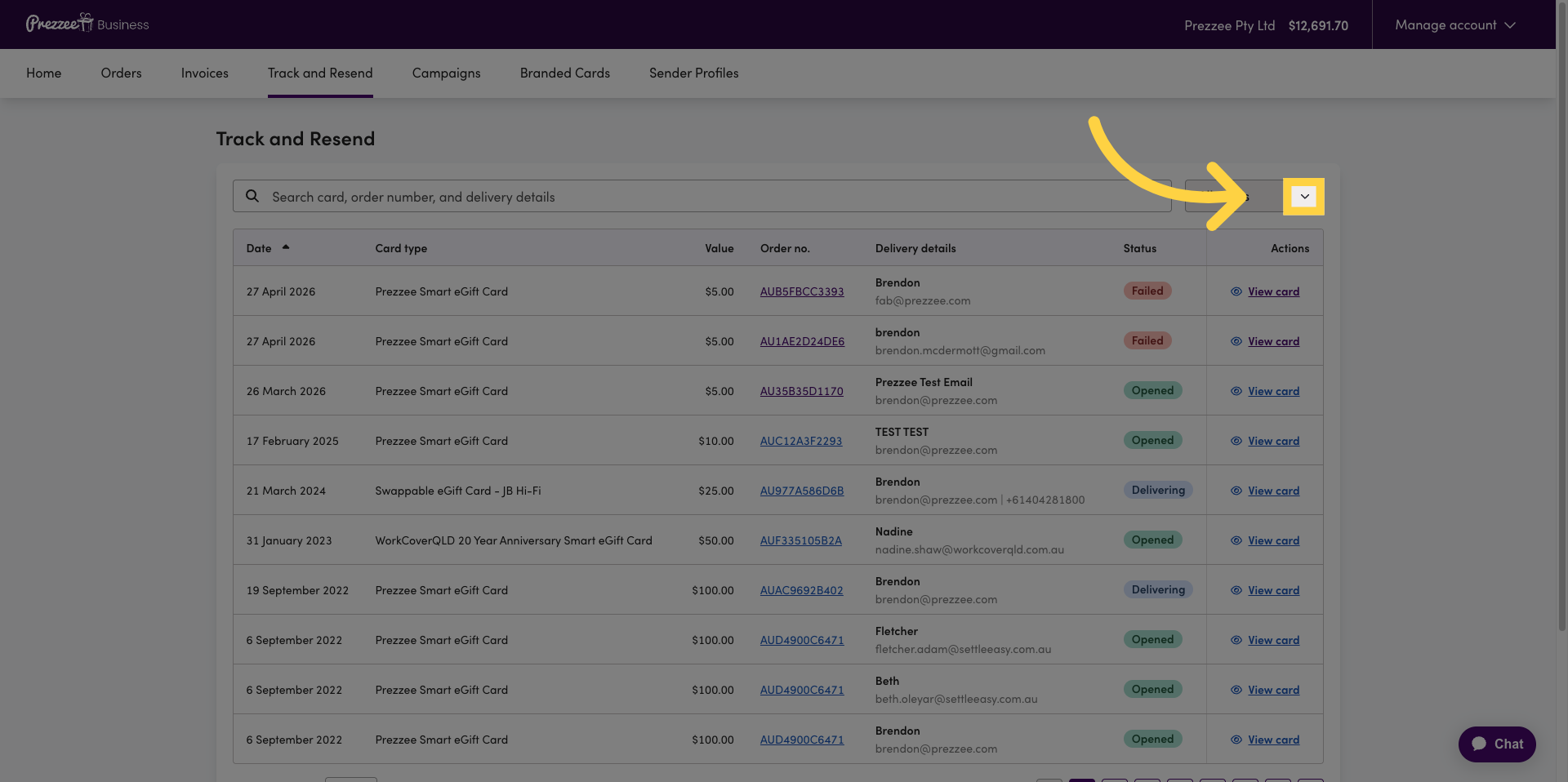
04 Select Resend Filter
Click here to filter the gifts based on their resend status.
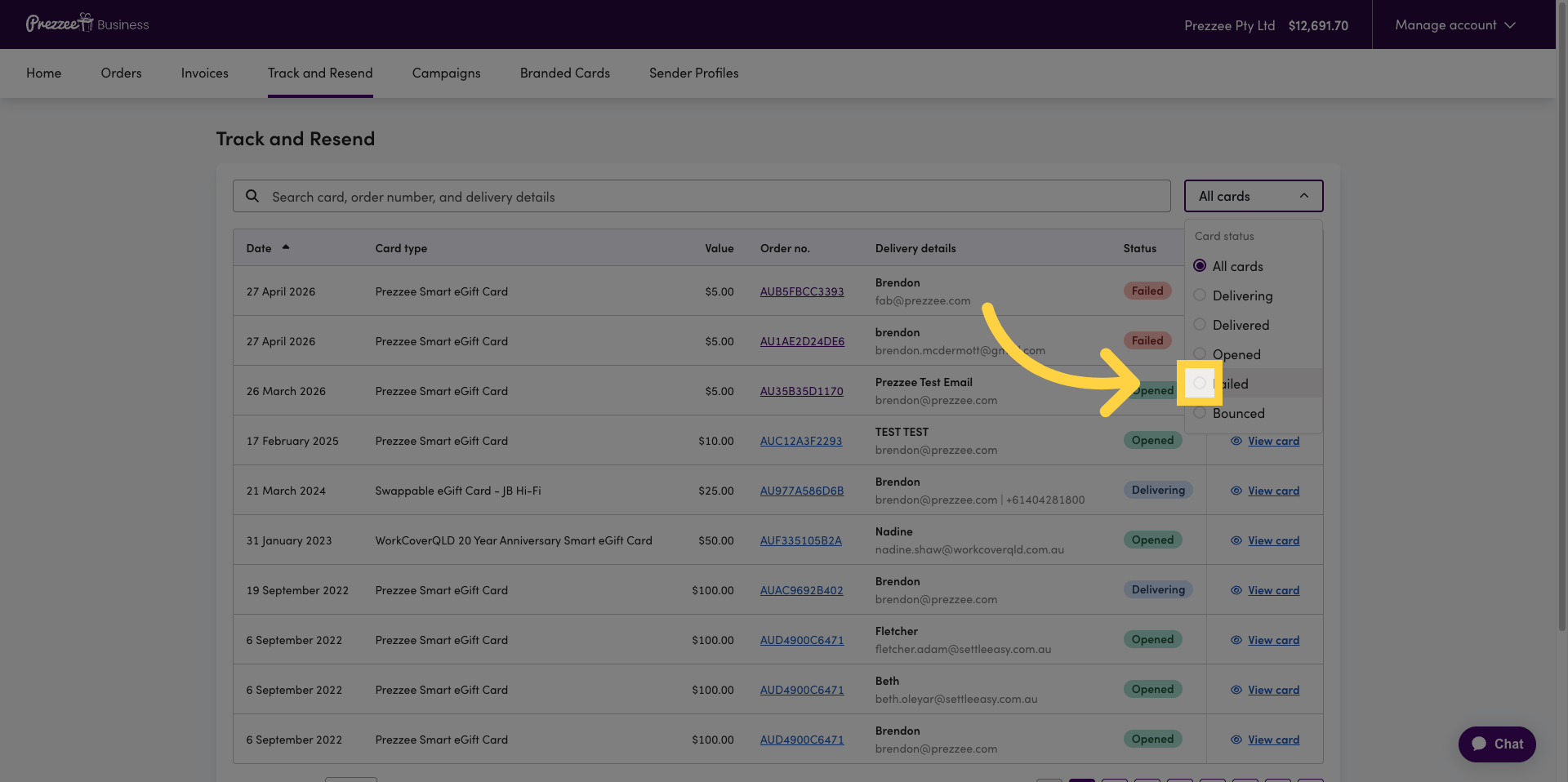
05 View Gift Card Details
Click "View card" to see detailed information about the selected gift.
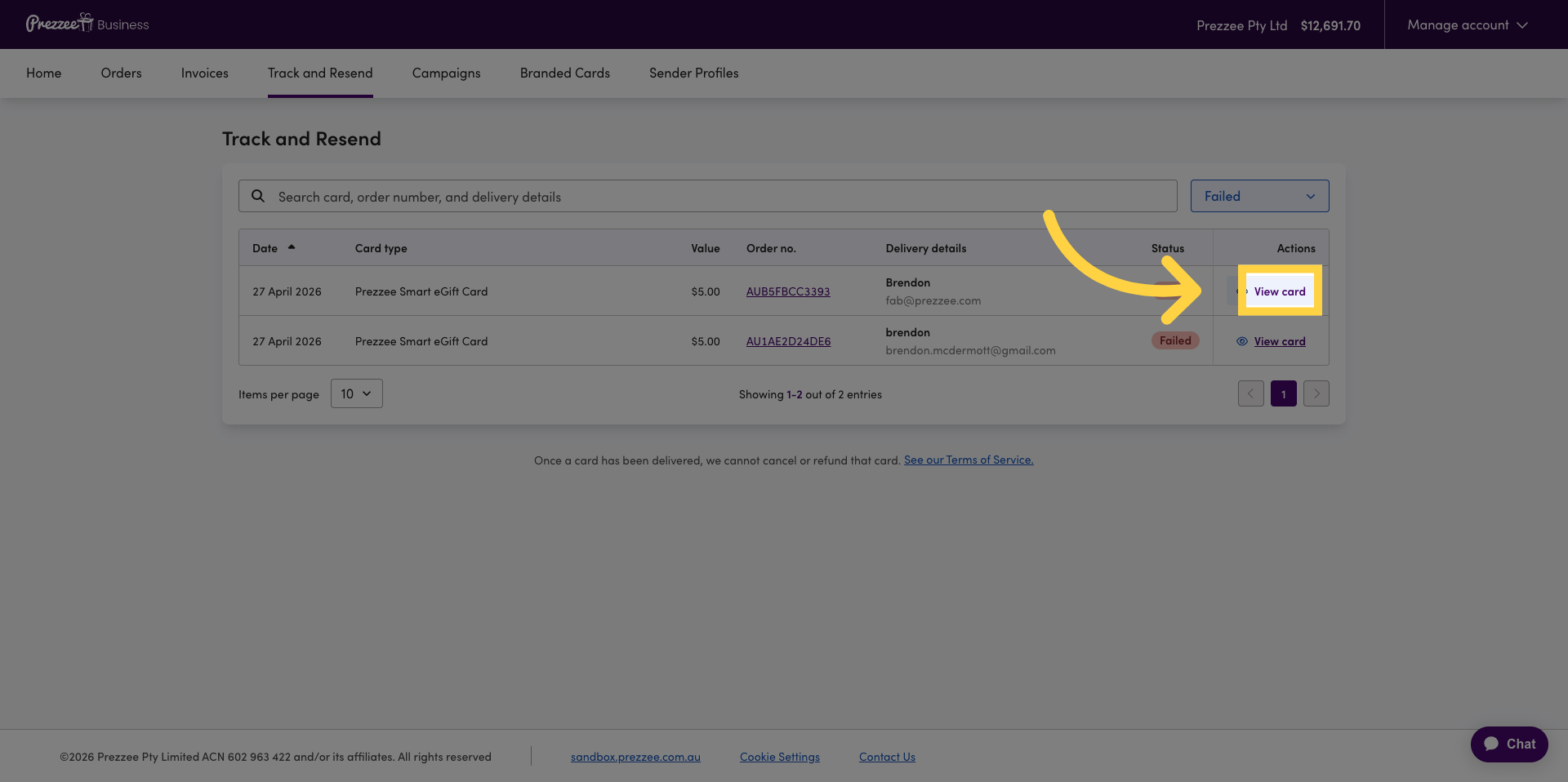
06 Select Current Recipient Email
Click here to edit the current recipient's email address.
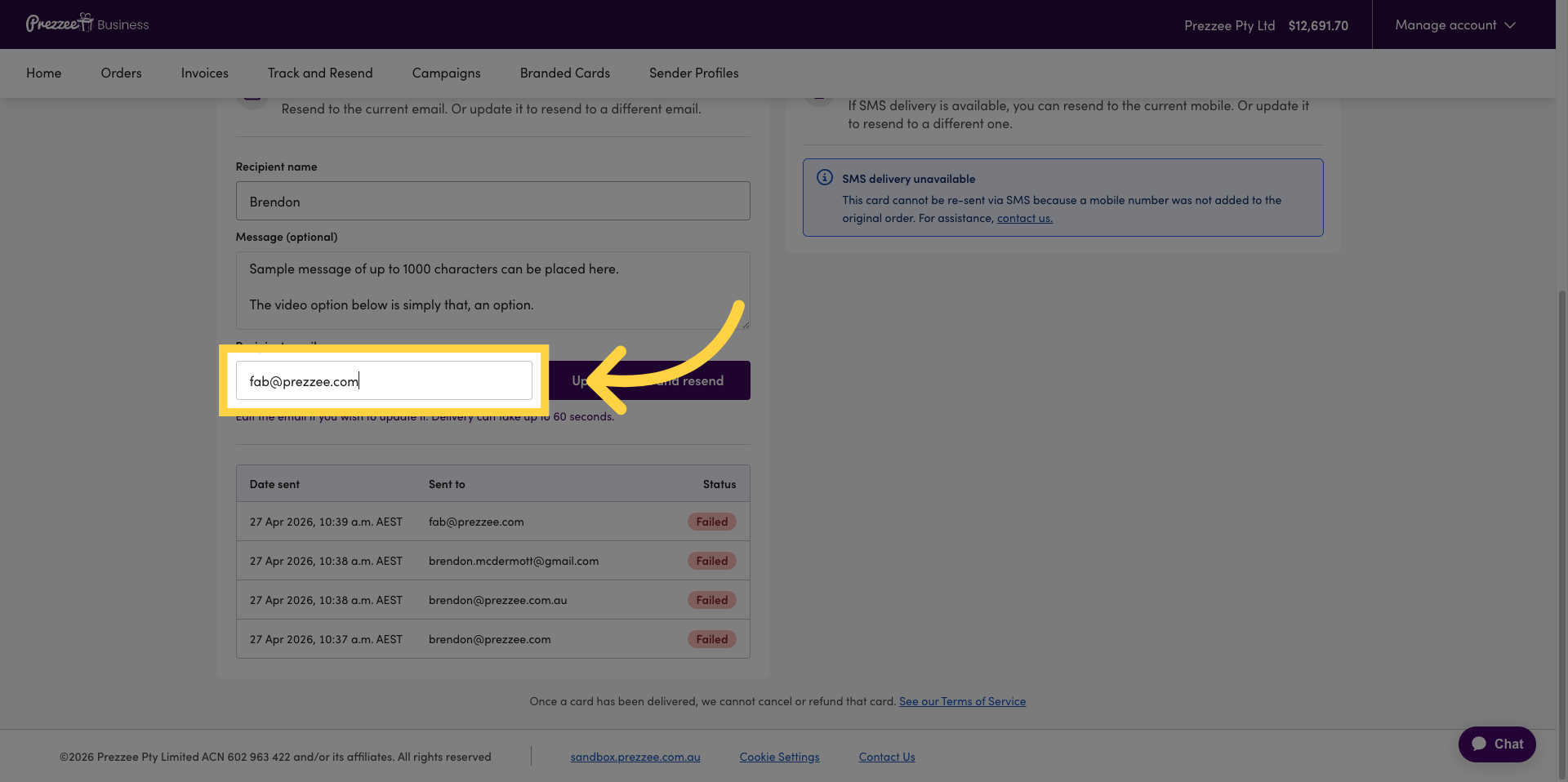
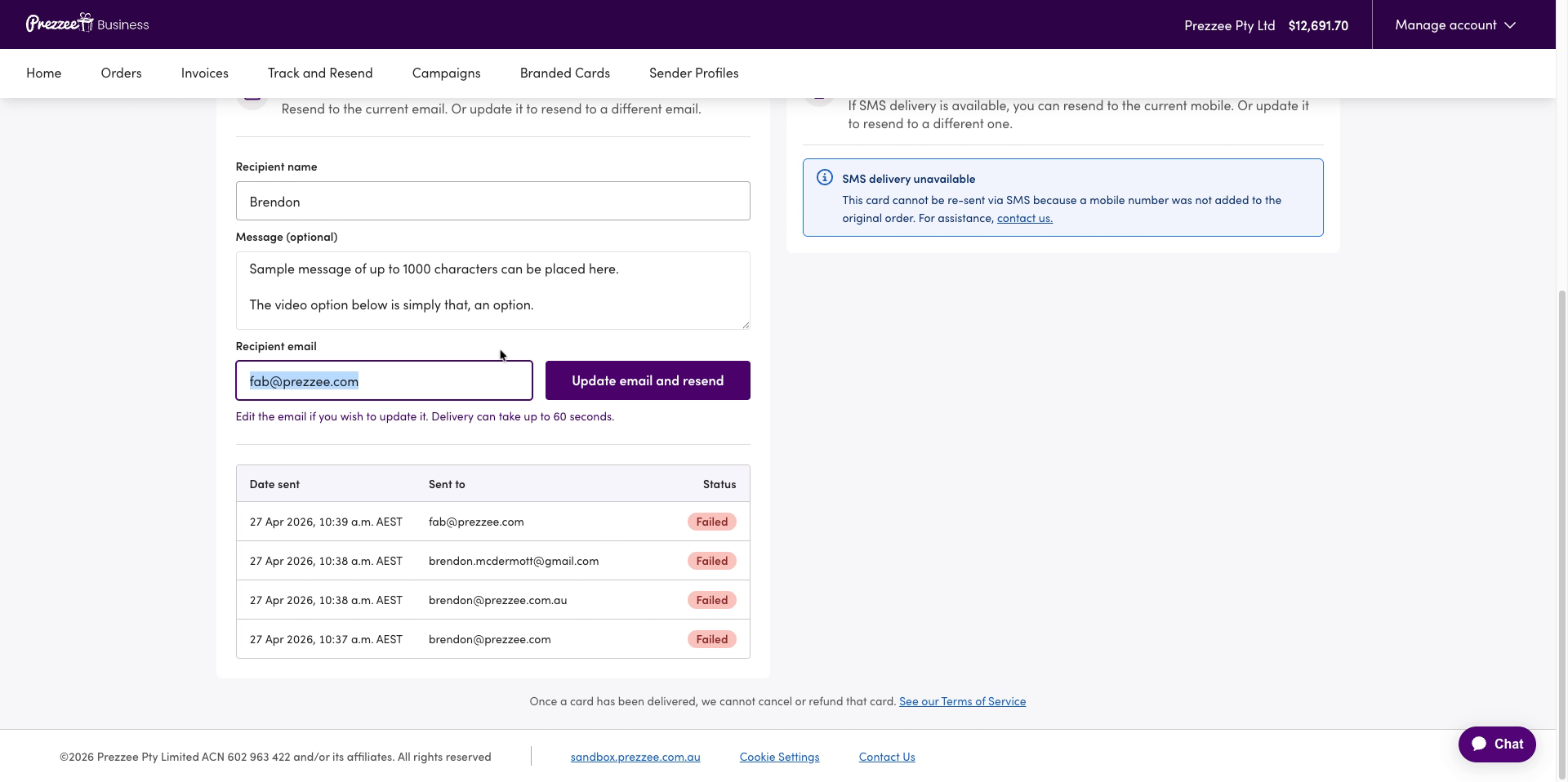
07 Update Recipient Email
Update the recipient's email address for resending.
08 Update And Resend Email
Click "Update email and resend" to save the new email address and resend the gift email.
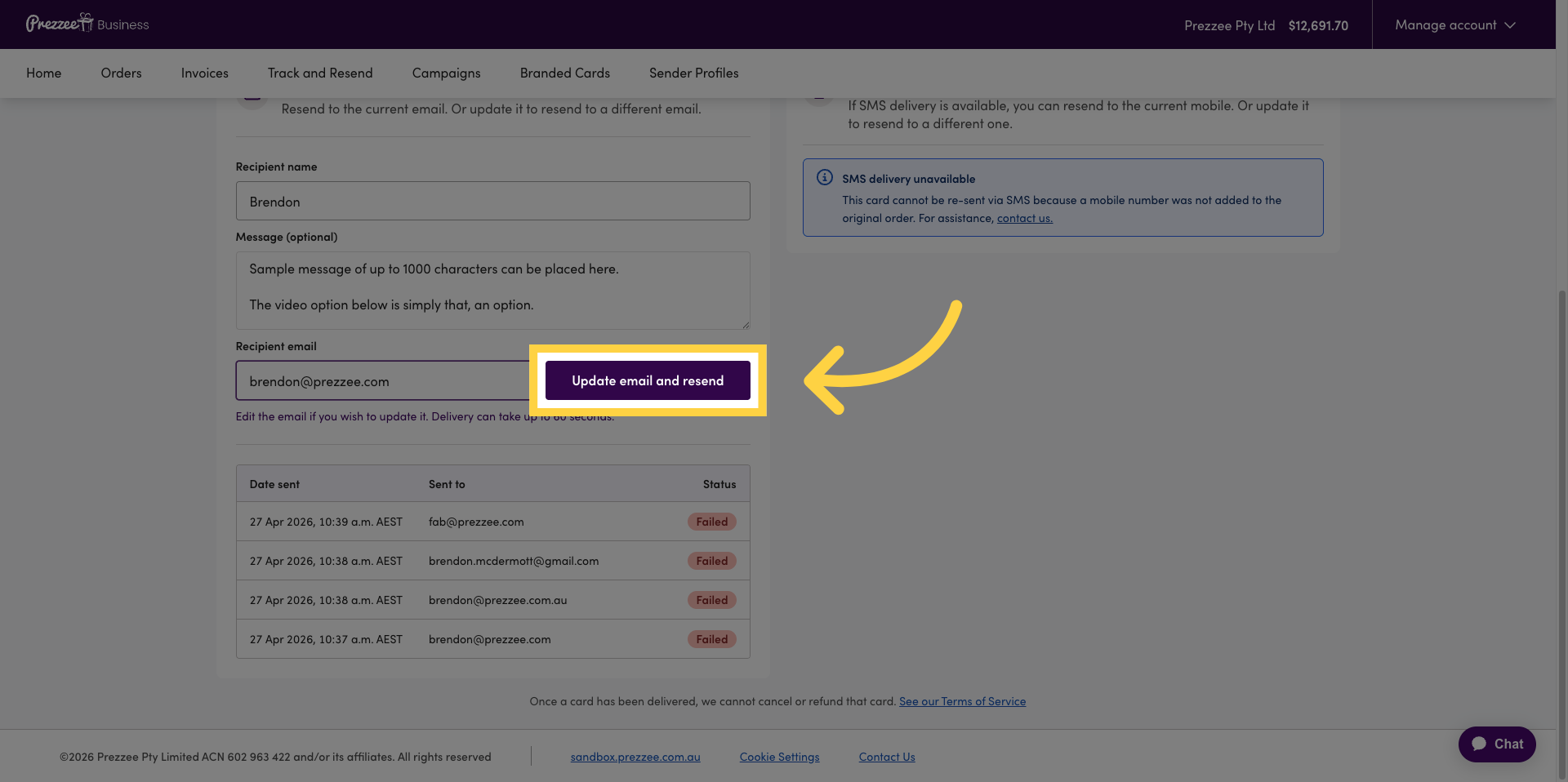
You have successfully tracked gift emails, updated recipient addresses, and resent the gifts using Prezzee Business. This ensures your recipients receive their gifts promptly and accurately.
Frequently Asked Questions:
Can I see the status of the eGift cards once they have been sent?
Yes, Prezzee Business offers an eGift card tracker that shows the delivery status of: Delivered, Opened, Failed or Bounced. You can resend eGift cards and change recipient emails if they have not been opened, failed or bounced.
Can I only see gifts that have not been opened/redeemed?
You can check the status of the eGift card by selecting the filter and switching it to the different delivery statuses.
A recipient didn’t get the gift email, can you help me resend?
You can resend the eGift cards yourself via the Gift Tracker in the Prezzee Business Portal, you can search the email, view the Gift Card that wasn't received, correct the email address and resend to the same recipient.
What do the eGift card statuses specifically mean?
Failed - Could not deliver due to an incorrect email
Bounced - recipient's email is either incorrect, or their email server is now allowing new incoming emails
Delivered - recipient has received the gift email in their inbox but not opened it
Opened - recipient has received their email and opened the gift (you cannot resend gifts that are opend already)