
This tutorial guides you through placing and customising a gift order using Prezzee Business.
01 Introduction
You will learn how to select recipients, choose gift cards, personalize messages, and finalise your order.
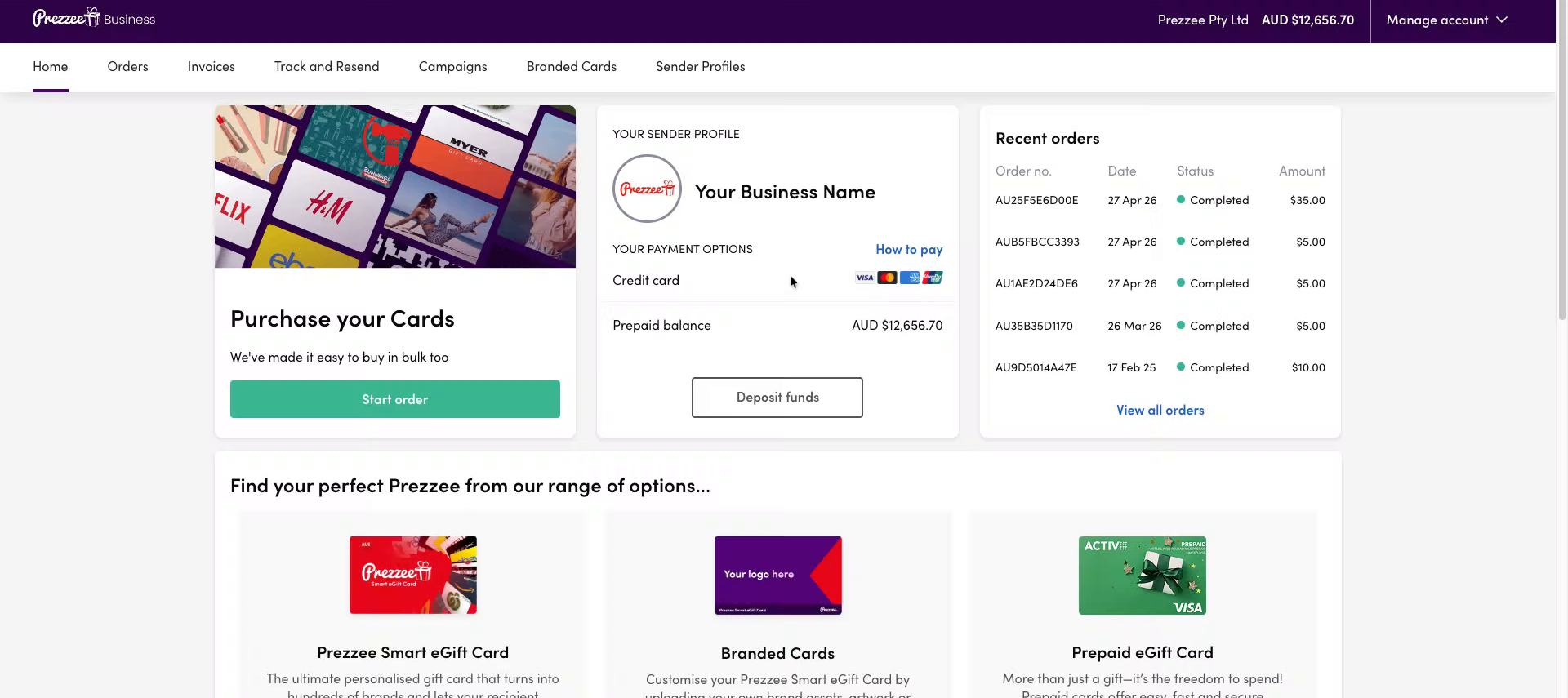
02 Start a New Order
Click "Start order" to begin creating a new gift order in Prezzee Business.
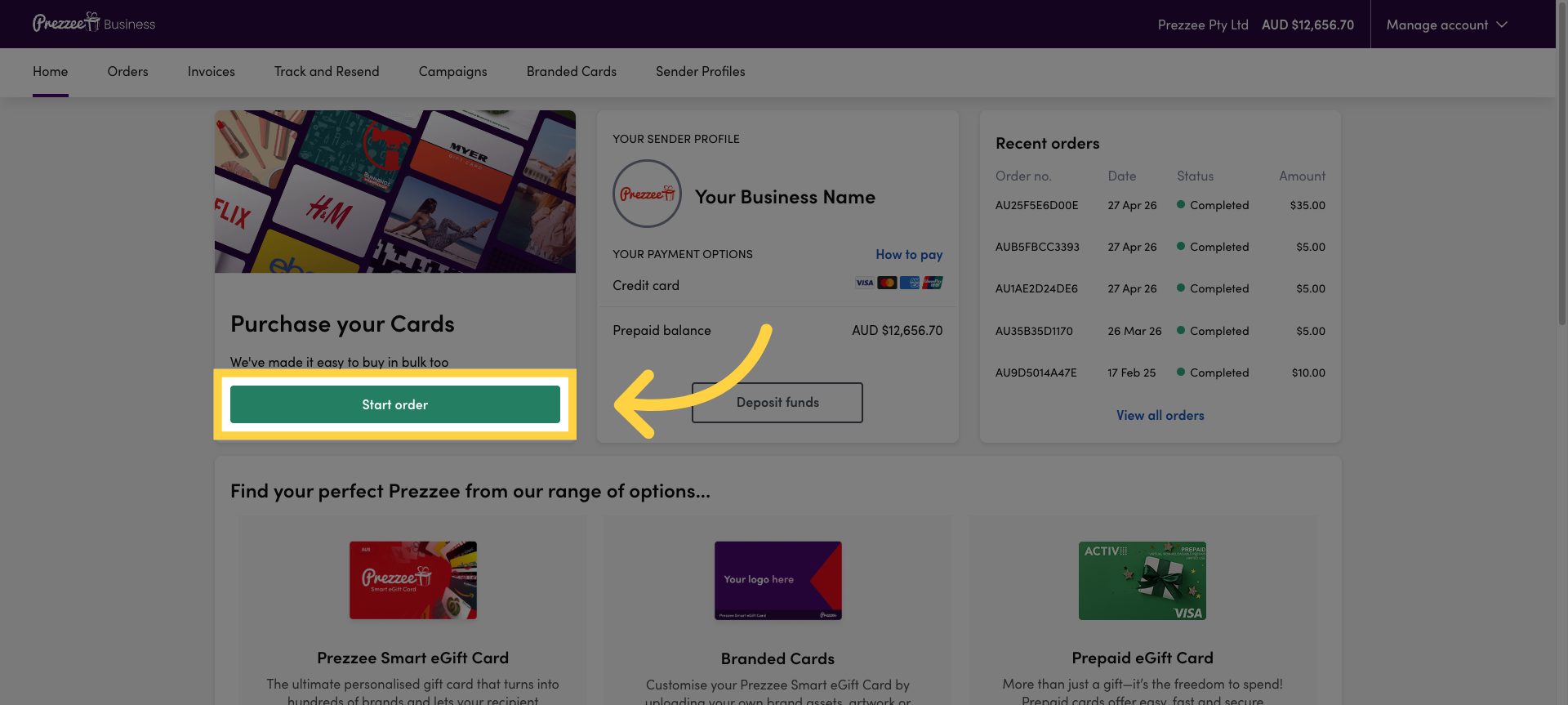
03 Proceed to Order Setup
Click "Let's go" to proceed to the order setup page where you can enter recipient details.
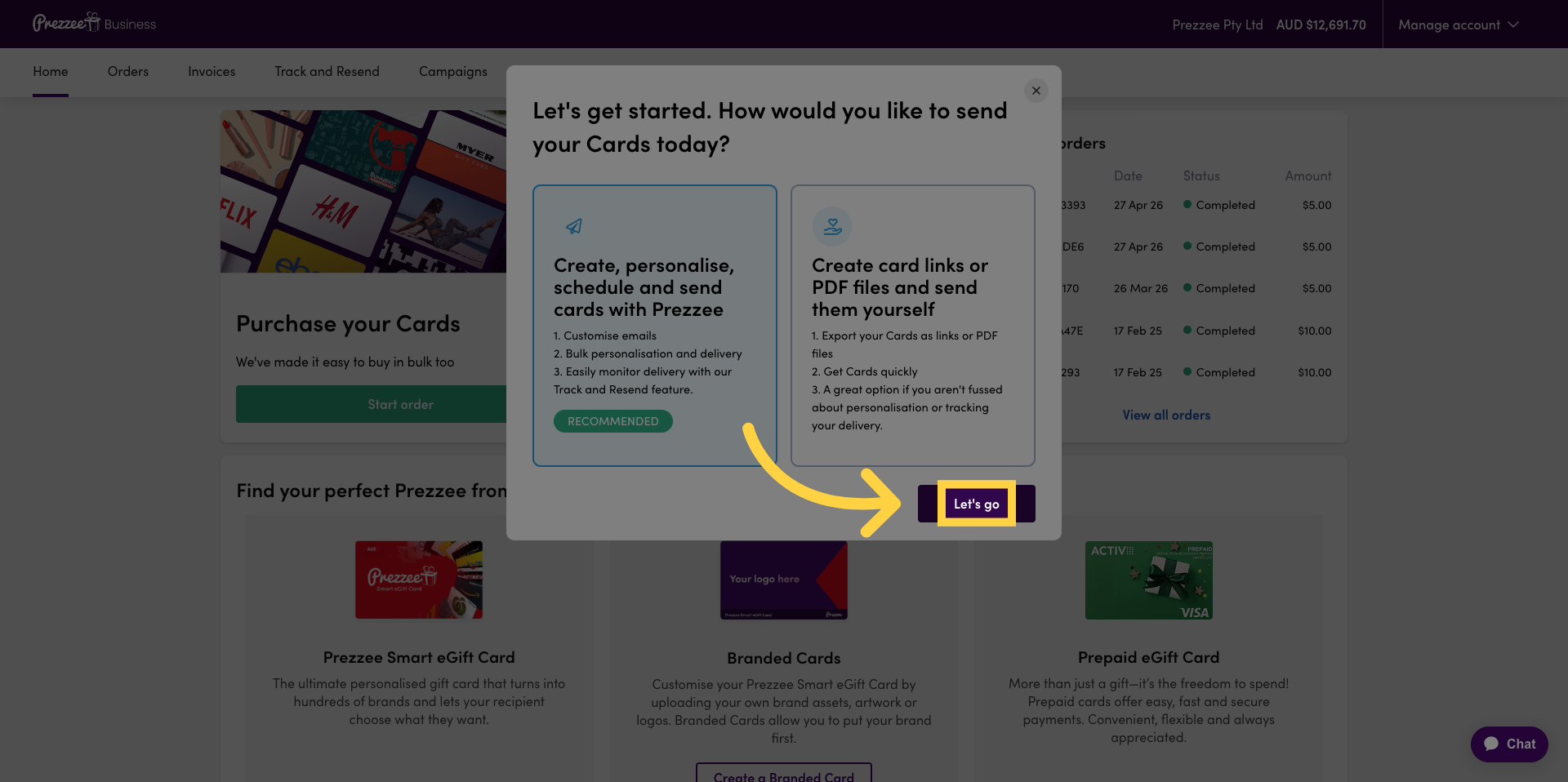
04 Select Recipient Name Field
Click "Recipient name" to enter the name of the gift recipient.
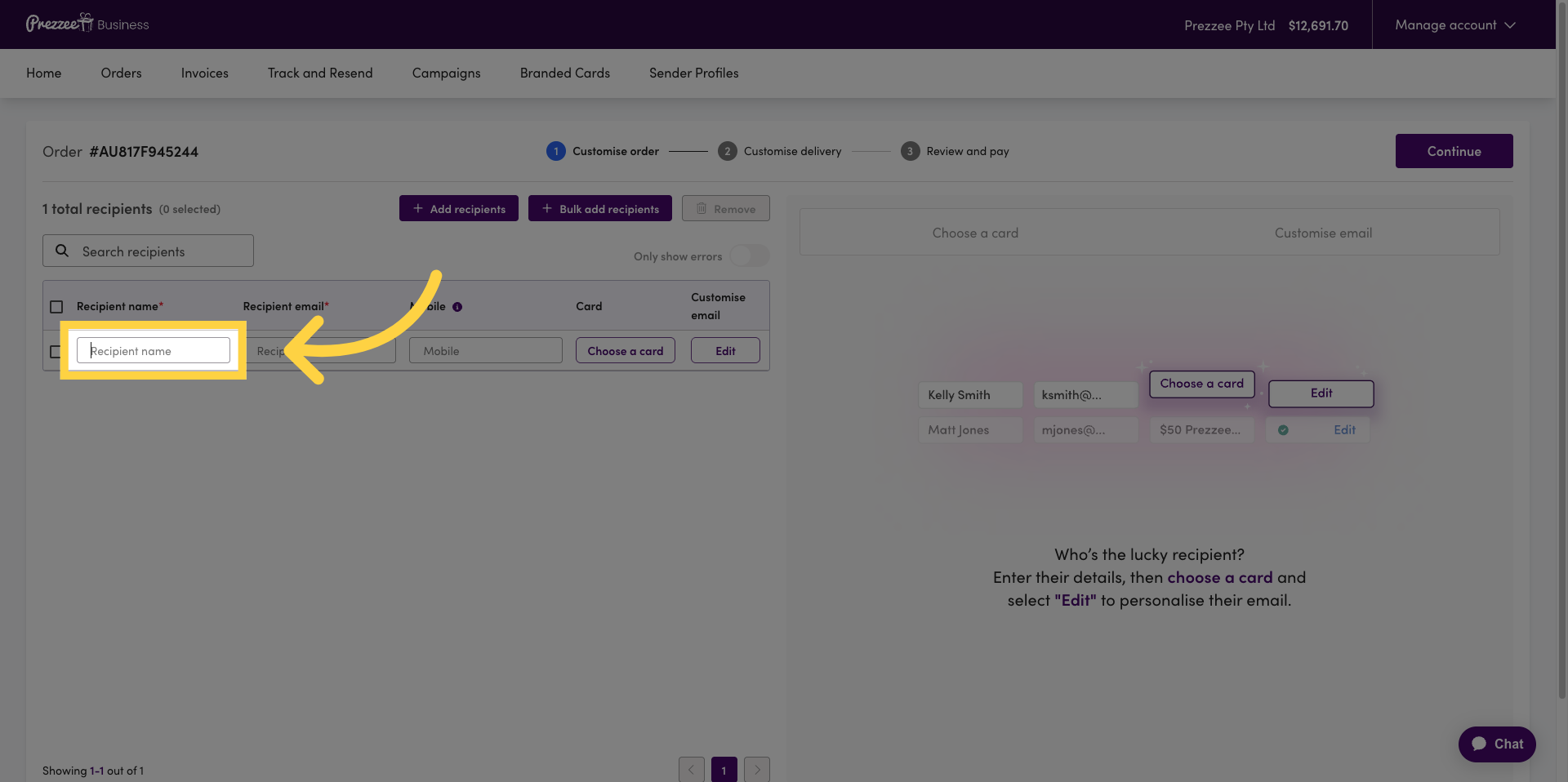
05 Enter Recipient Email
Enter the recipient's email address in the email field.
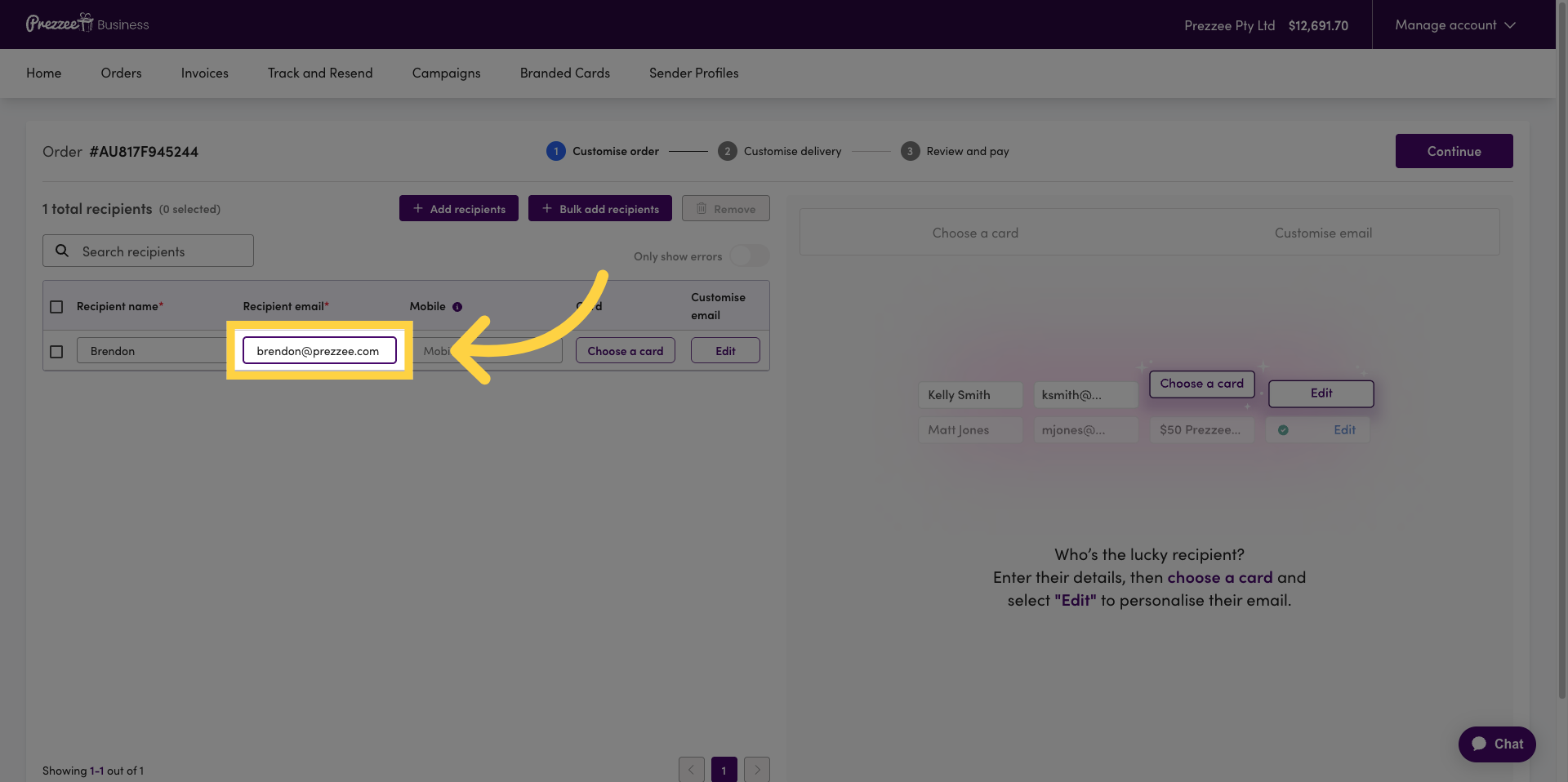
06 Open Card Selection
Click "Choose a card" to select the gift card you want to send.
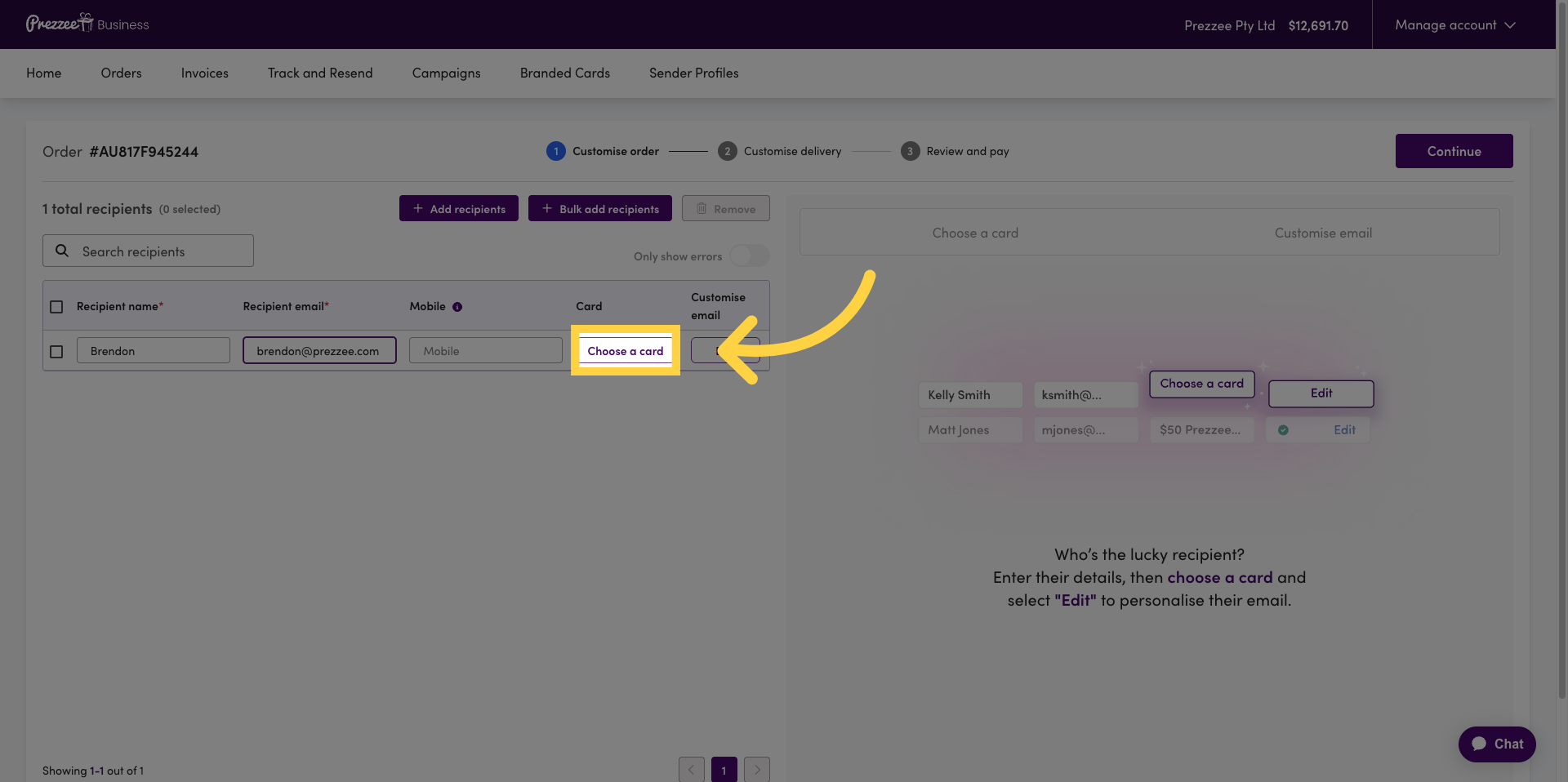
07 Select Gift Card Value
Click the dropdown to select a gift card value from preset amounts or choose a custom value.
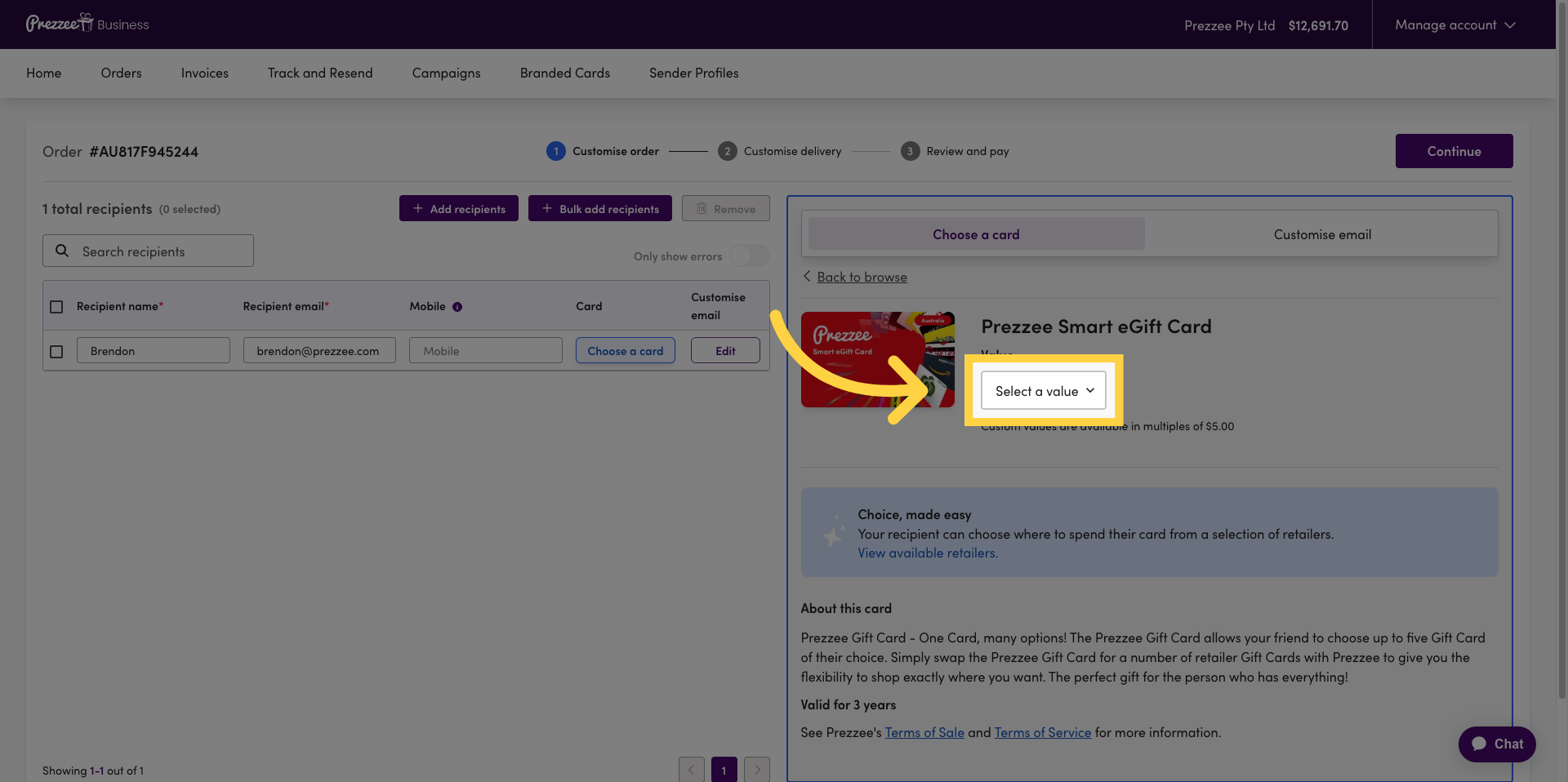
08 Customise Email Message
Click "Customise email" to personalise the email that will be sent with the gift card.
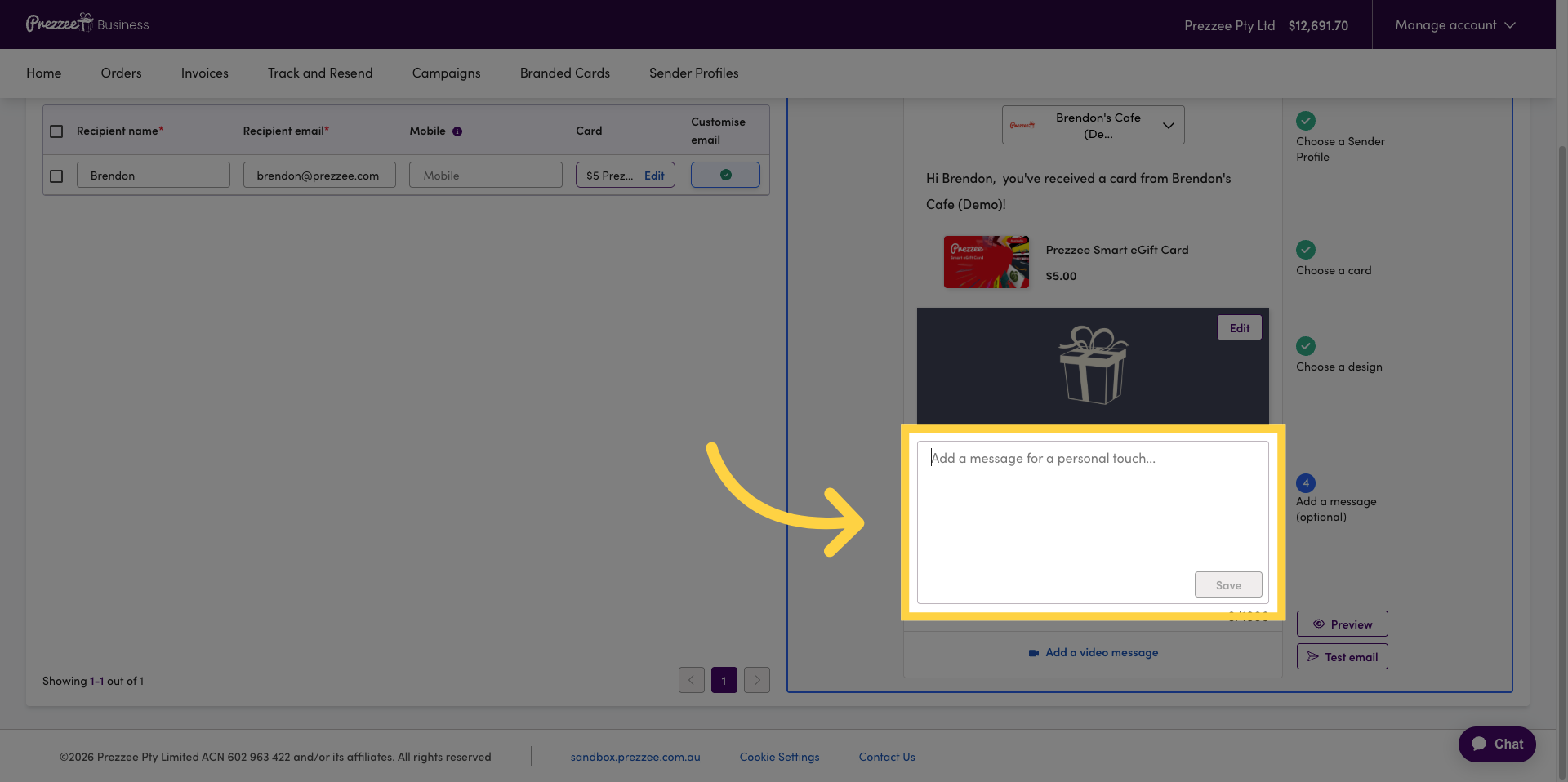
09 Add Personal Message
Click "Add a message for a personal touch..." to include a custom message for the recipient. Fill in your personal message, up to 1000 characters, to accompany the gift card.
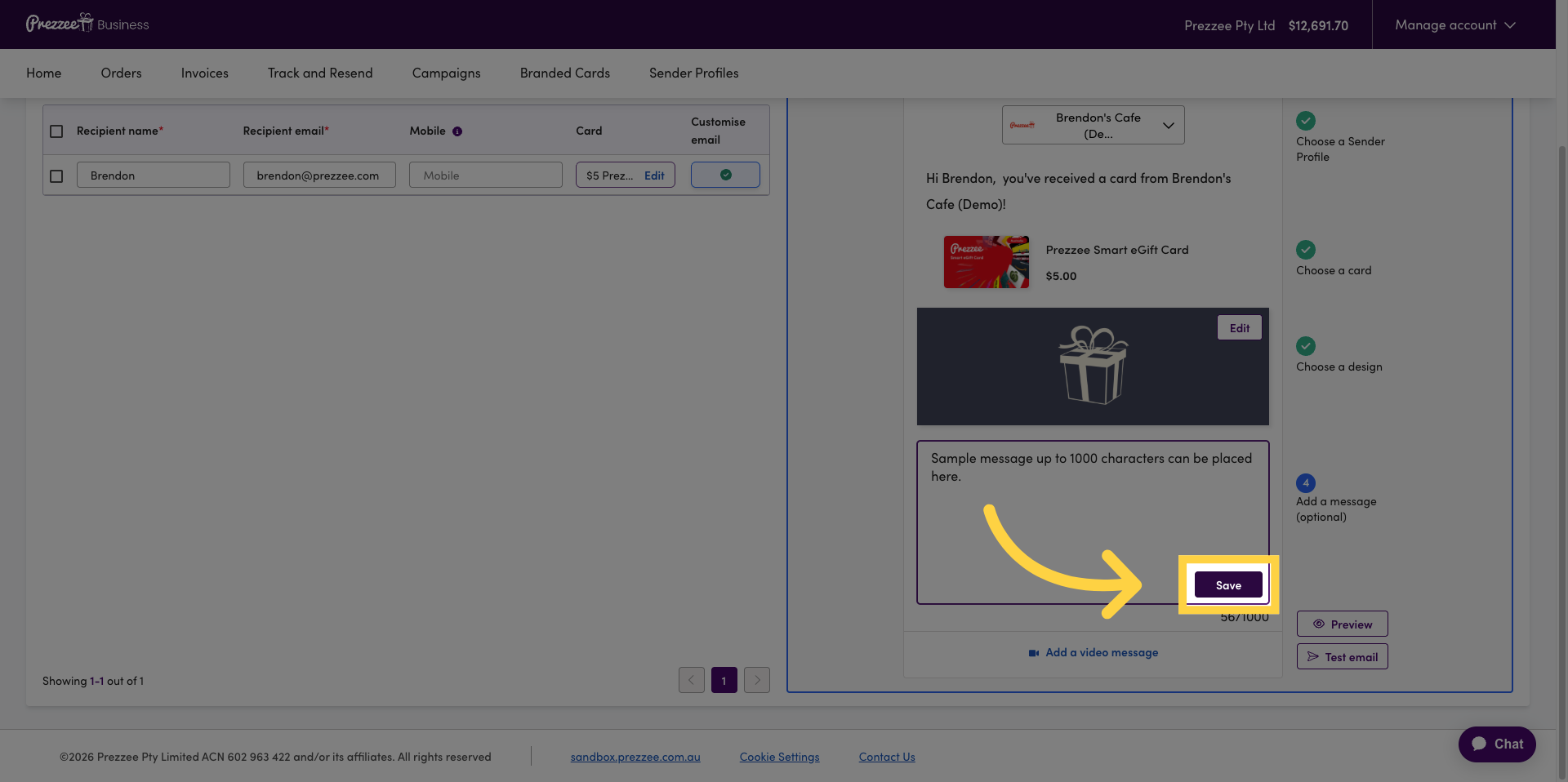
10 Save Message
Click "Save" to save your personalised message for the gift card email.
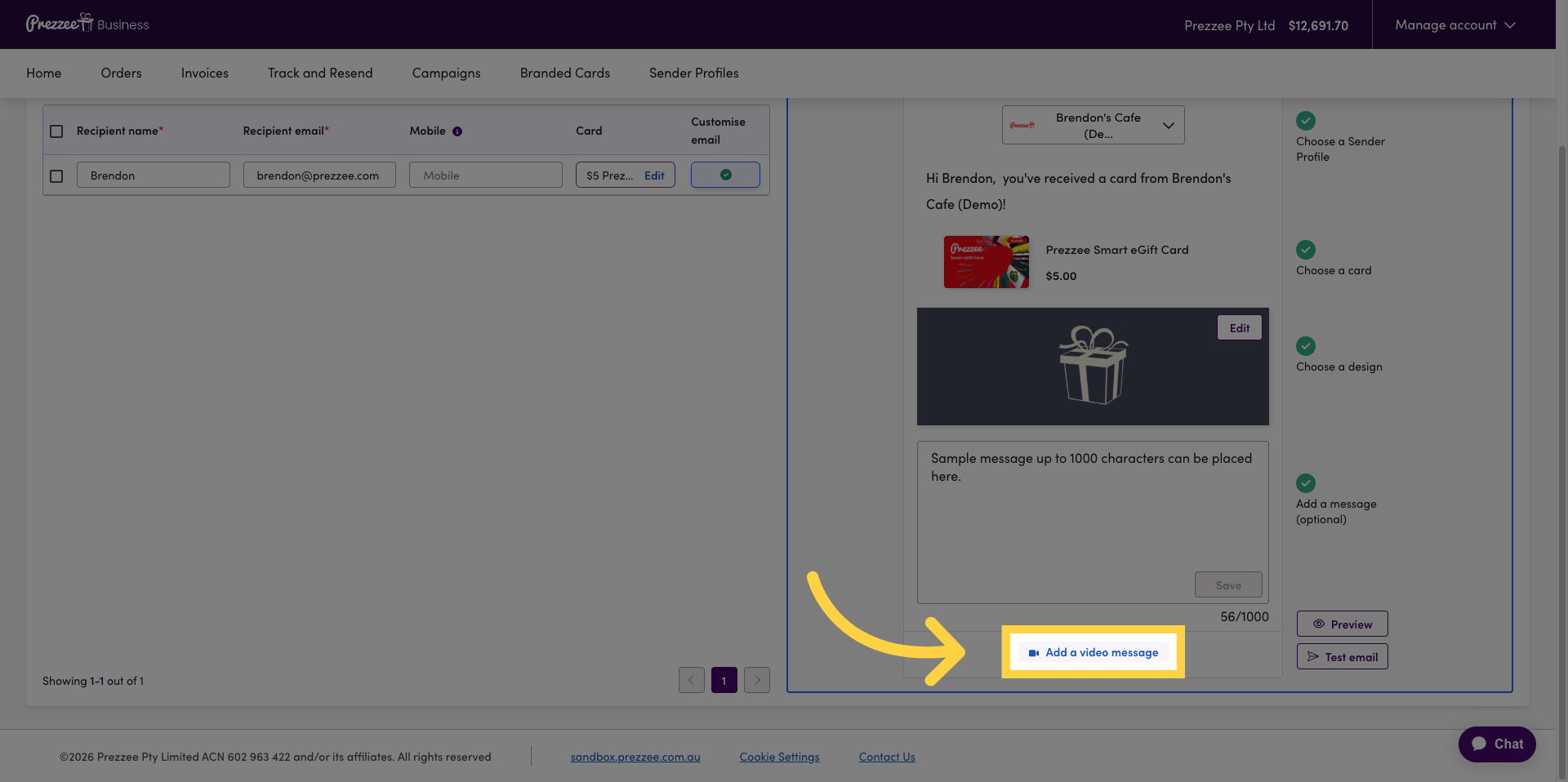
11 Add Video Message
Click "Add a video message" to include a video with your gift card email.
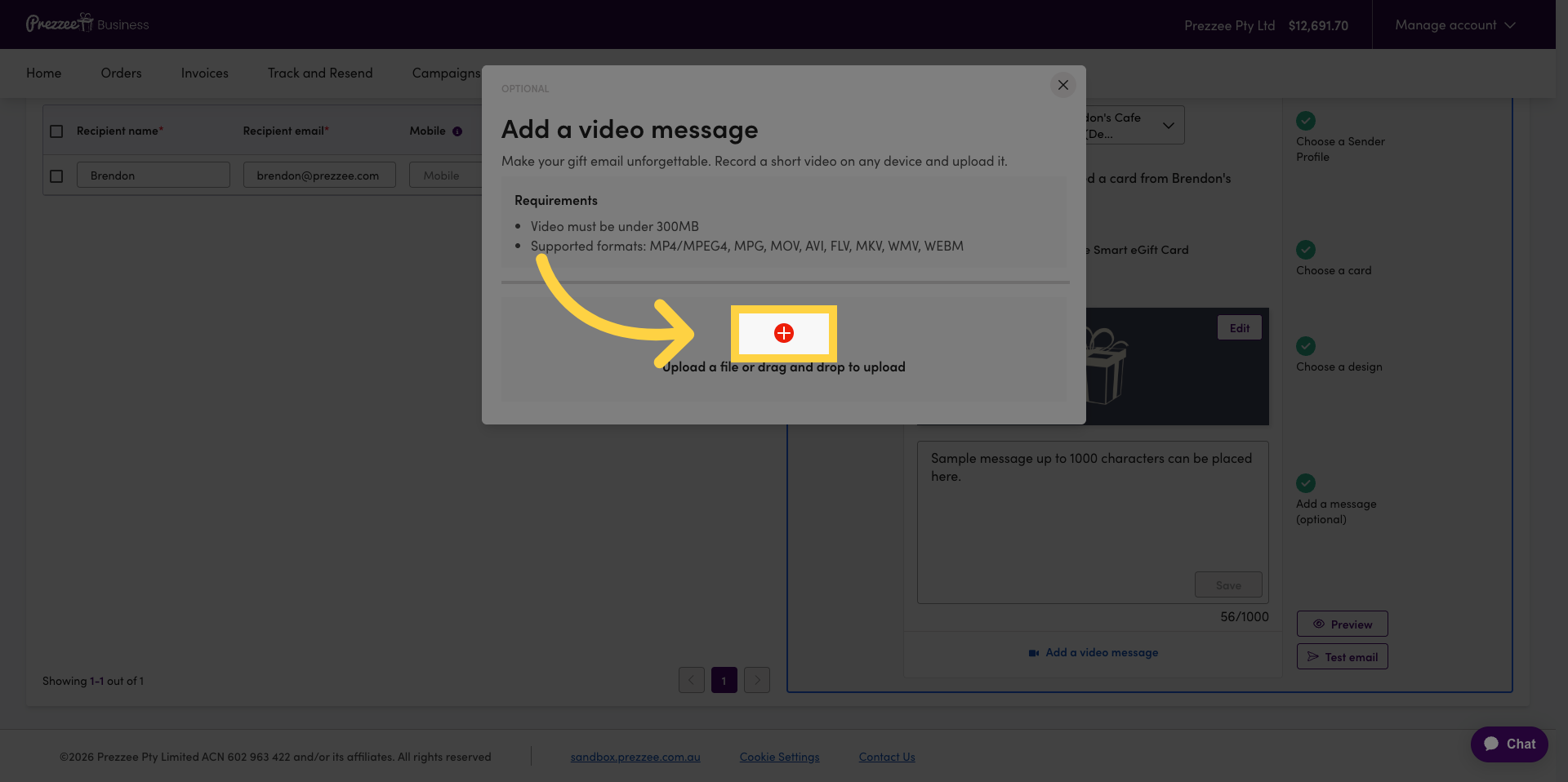
12 Open Video Upload
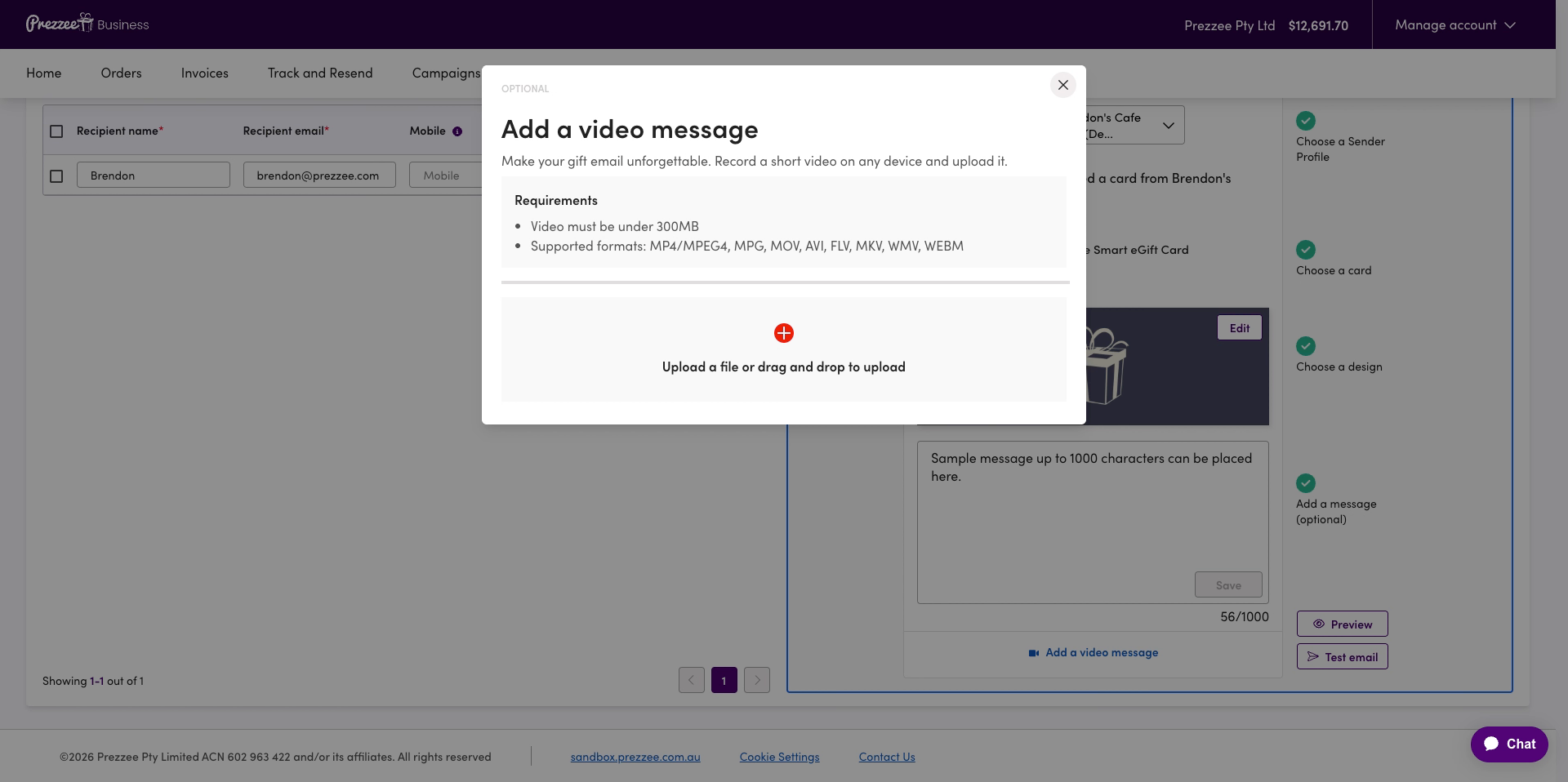
Click here to open the file selection dialog for uploading your video message.
13 Upload Video File
Fill the file input with the path to your video file to upload it.
14 Confirm Video Upload
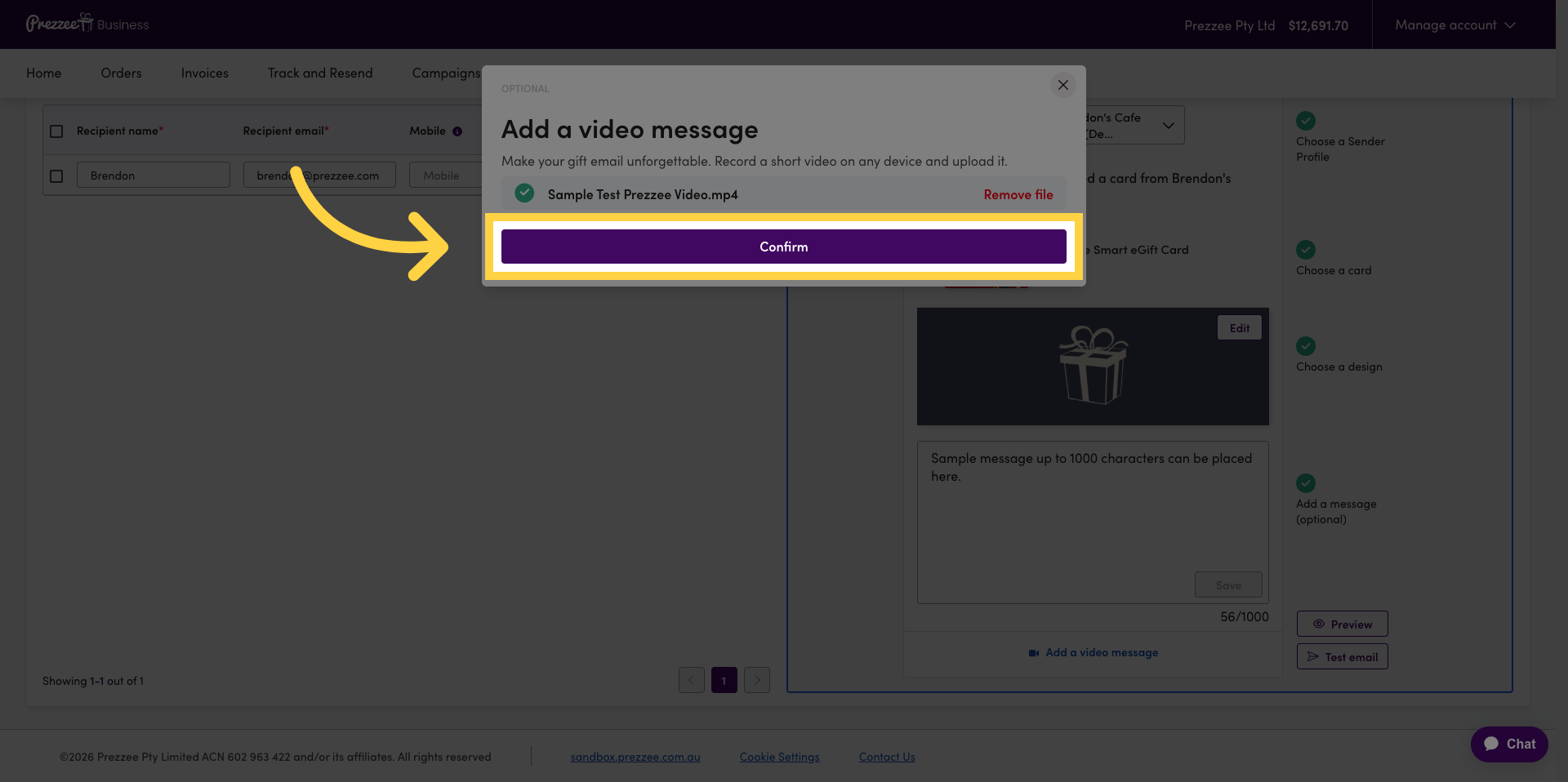
Click "Confirm" to finalise the video message upload.
15 Continue to Next Step
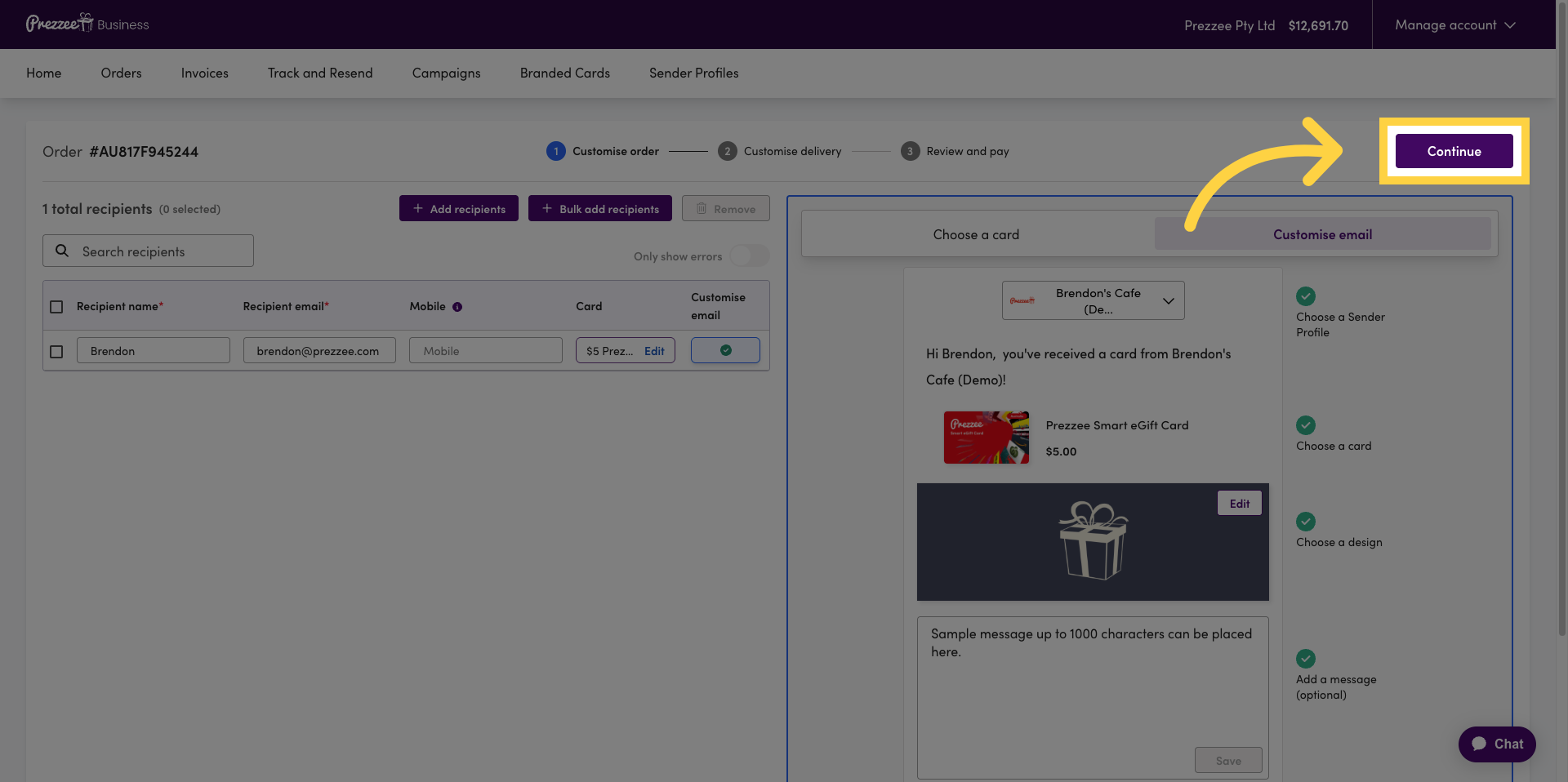
Click "Continue" to proceed to the next step in the order process.
16 Finalise Order Process
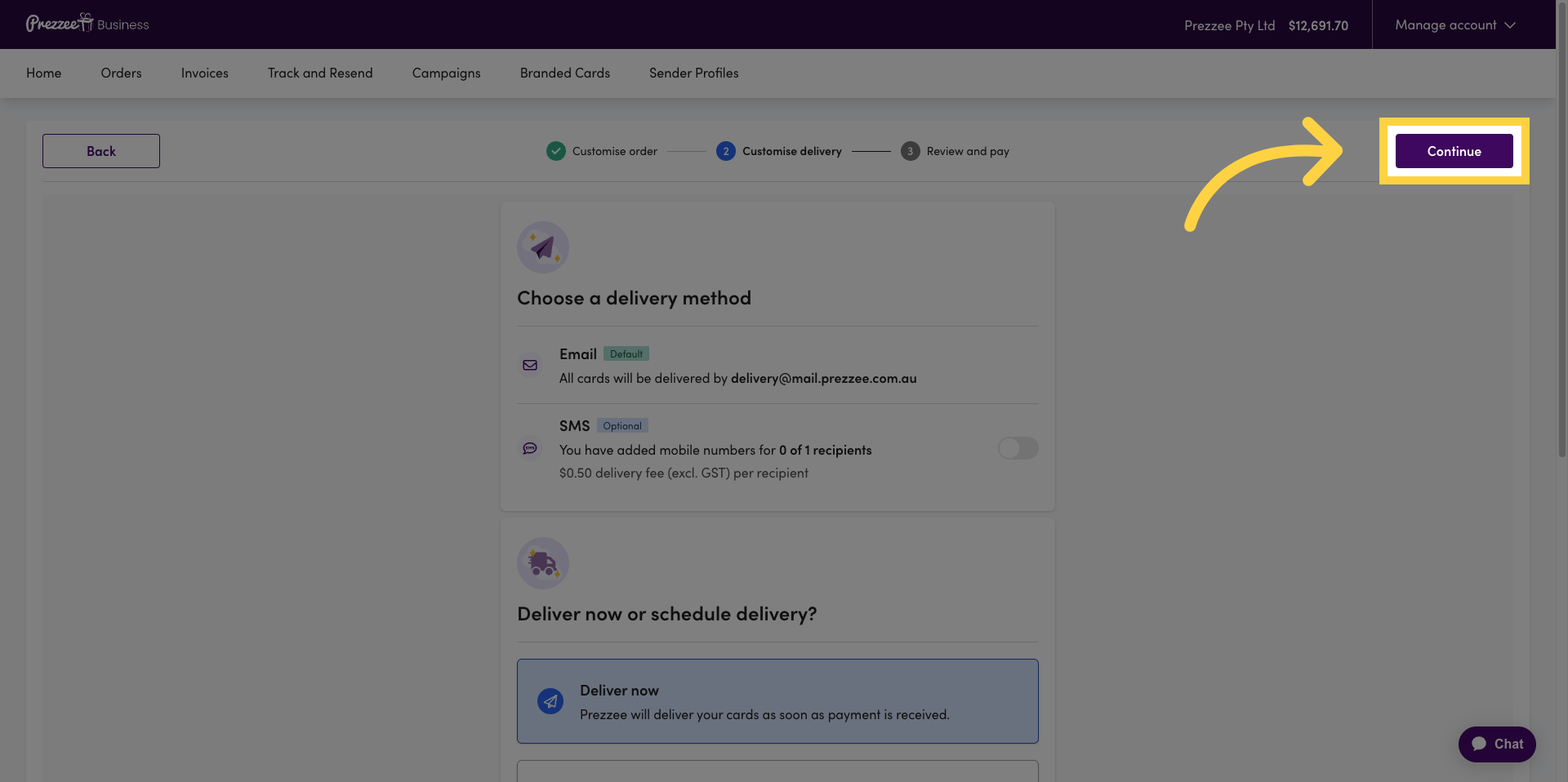
Click "Continue" again to finalise your gift order setup and move forward.
You have successfully placed and customised a gift order in Prezzee Business by selecting recipients, choosing gift cards, personalising messages, and adding a video message. You can now proceed to review and complete your order or explore additional customisation options.